 Be Mumin
Qibla · Free
Find the Qibla,
anywhere.
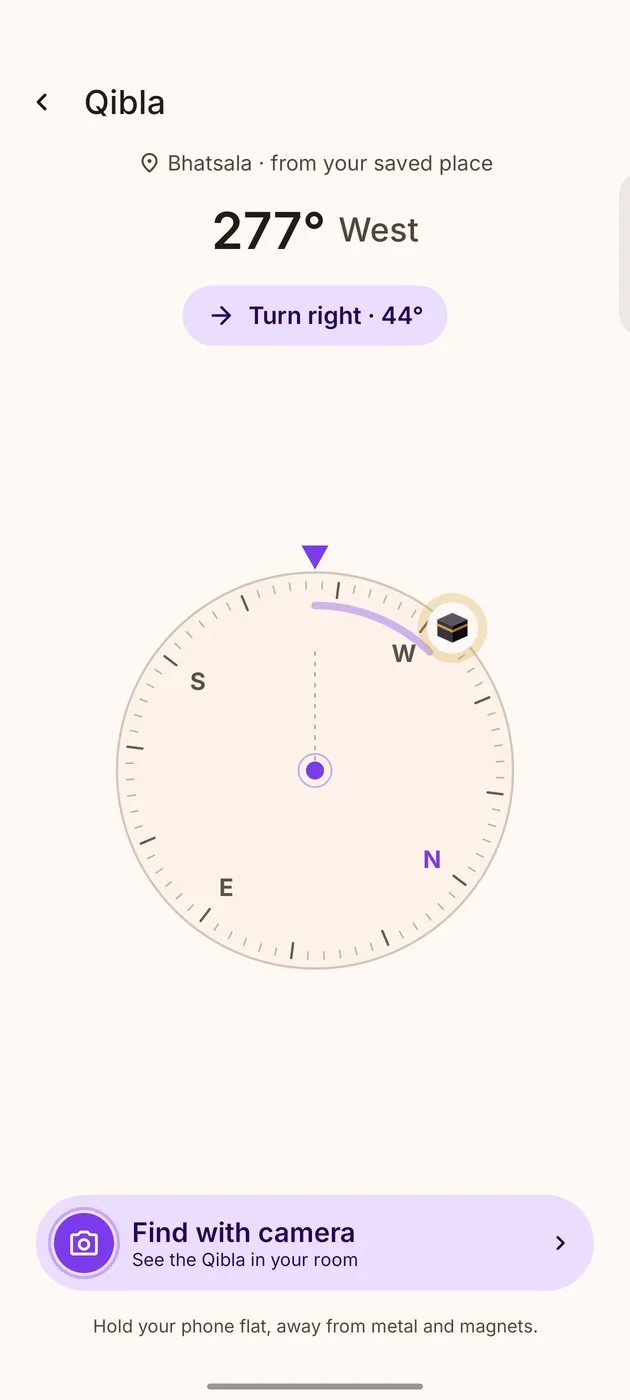
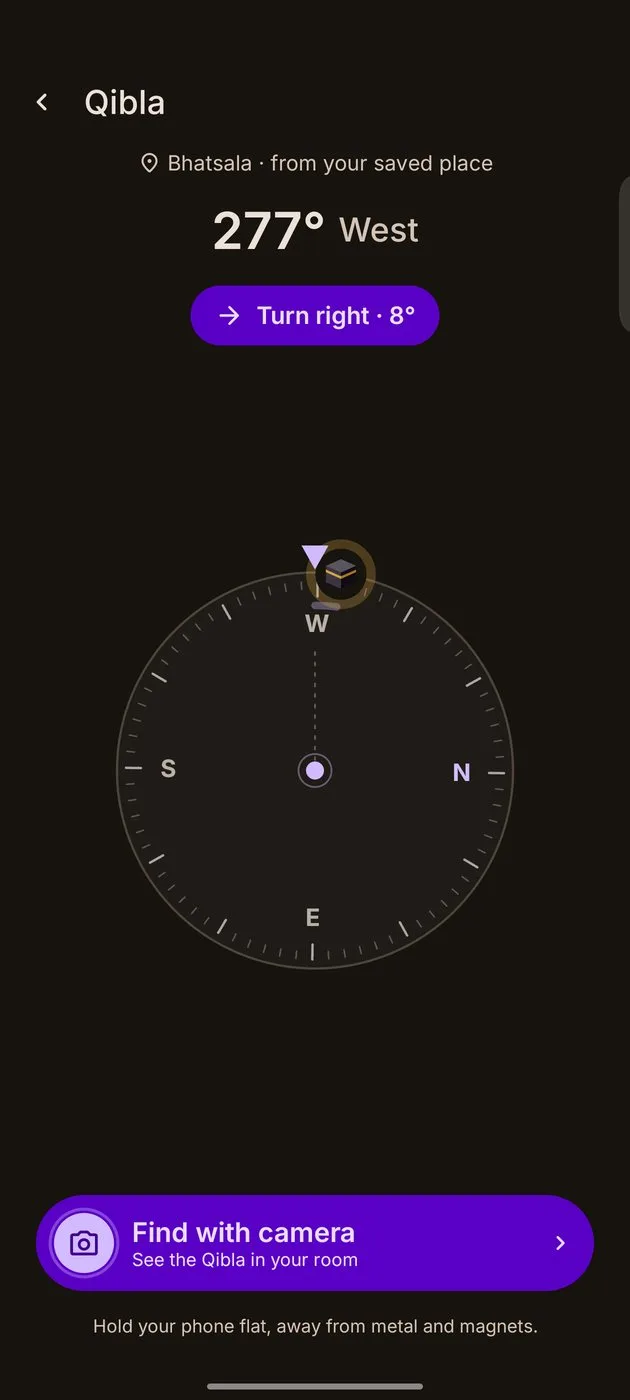
A clear compass that turns green when you face the Kaaba, and a camera view that shows it over your own room.
GET IT ONGoogle PlayCOMING SOON ON THEApp Store
Free, and nothing from the camera is saved
Qibla with camera
Hold it up. Turn. Found.
Look through your camera and the Kaaba appears over your own room, right where the Qibla is.
- 1Hold your phone uprightThe camera shows your room.
- 2Turn the way it pointsThe degrees count down as you turn.
- 3Facing the QiblaThe Kaaba sits in the middle, with a soft tick.
Nothing is recorded, saved or sent.
Facing the Qibla
Hold your phone upright
Qibla
119° from north
Turn right · 62°
‹ Back to compass
Clear, the moment you hold it.
A calm compassThe dial turns with you and points the way to the Kaaba.
Green when you face itWithin 5 degrees, the dial turns green with a soft tick.
True northCorrected for your place, so it points to the true Qibla.
Find with cameraHold the phone up and the Kaaba appears where the Qibla is.
Nothing recordedThe camera view is live only. Nothing is saved or sent.
Calibration helpIf the compass is unsure, it shows how to settle it.
No compass? Still fineIt tells you how many degrees to turn from north.
Your saved placeUses the place your prayer times use. No extra permission.
Qibla finder questions.
Is it free?
Yes. The compass and the camera view are free.
Does the camera record anything?
No. The view is live only. Nothing is captured, saved or sent.
When does it ask for the camera?
Only when you tap Find with camera, never when you open the page.
Why is it off near metal?
Phone compasses are thrown by metal and magnets. Step away, and follow the calibration tip if it shows.
Does it need internet?
No. The Qibla is worked out on the phone from your saved place.