 Be Mumin
Pray first.
Scroll later.
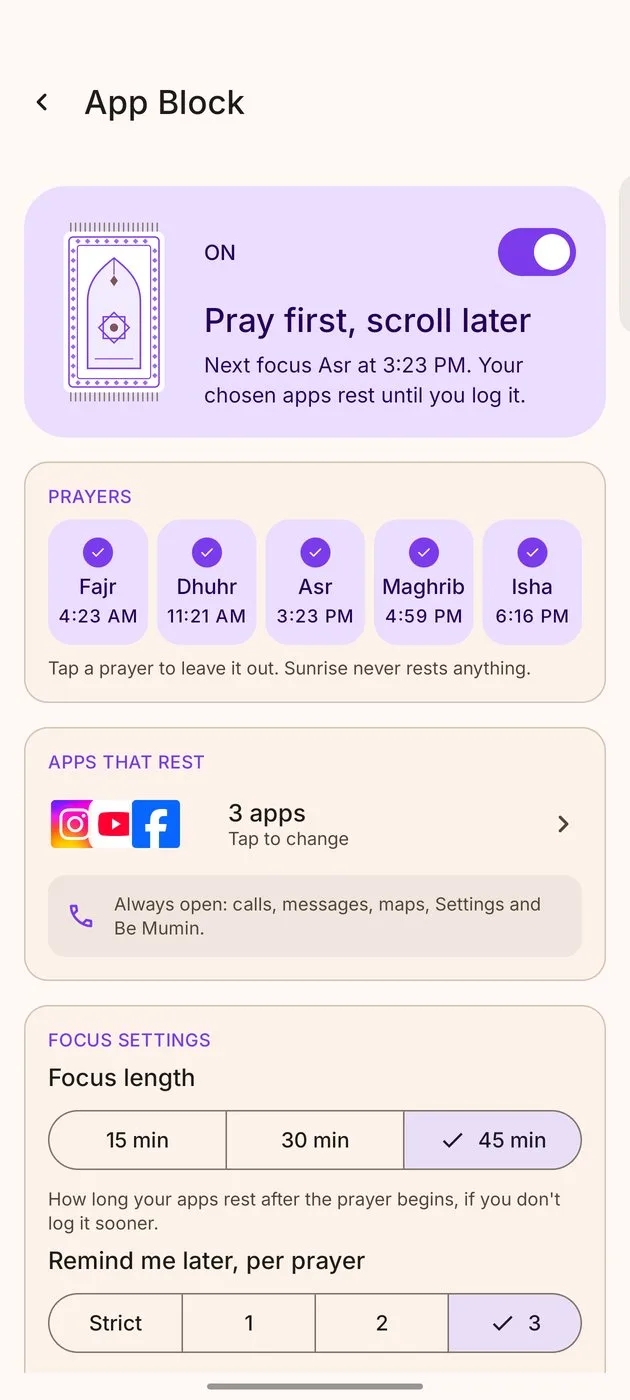
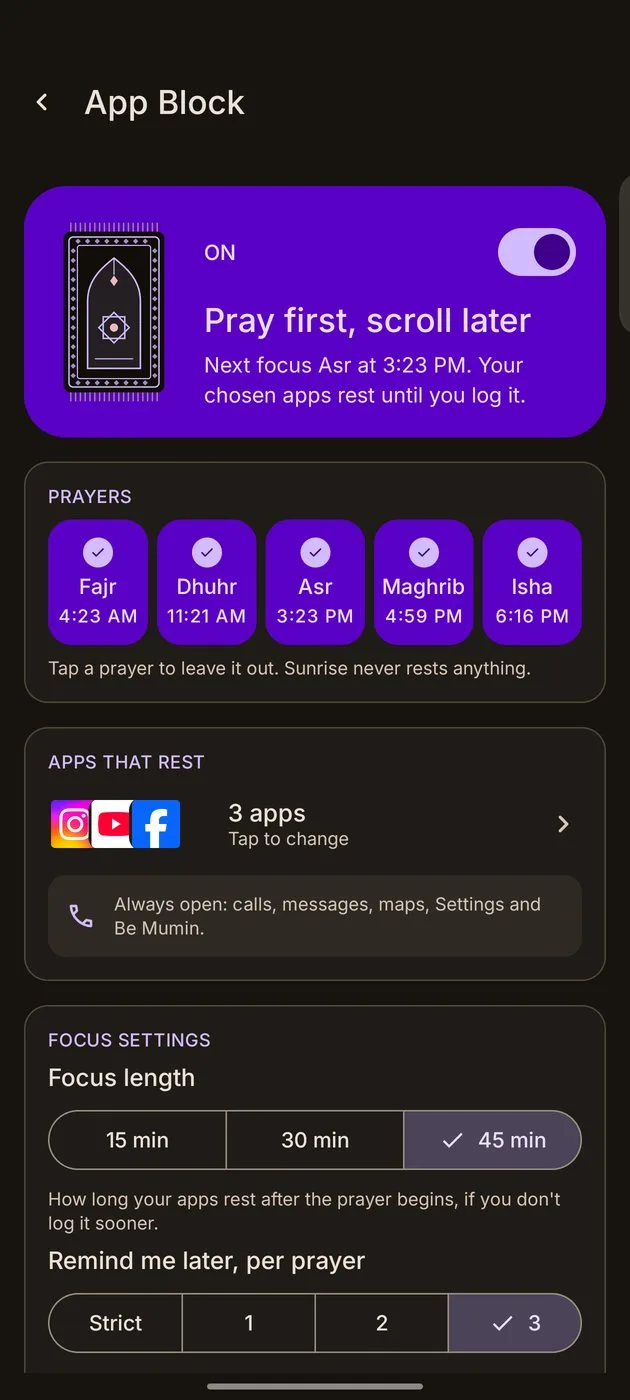
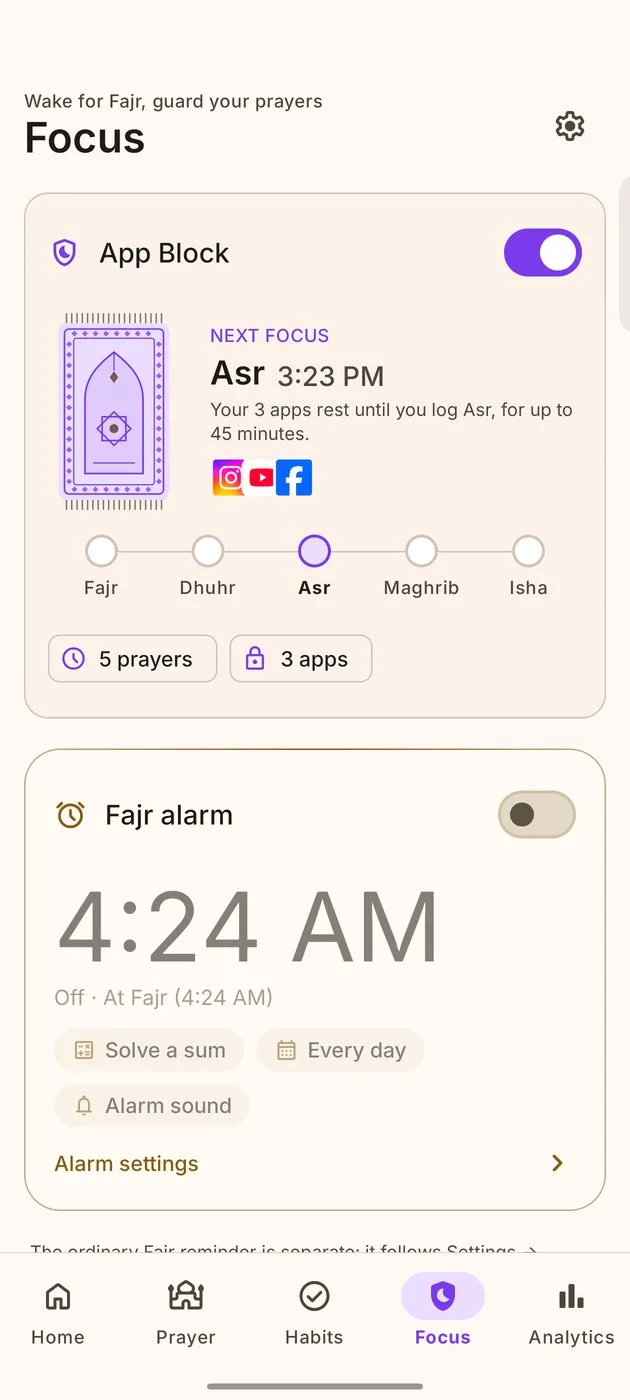
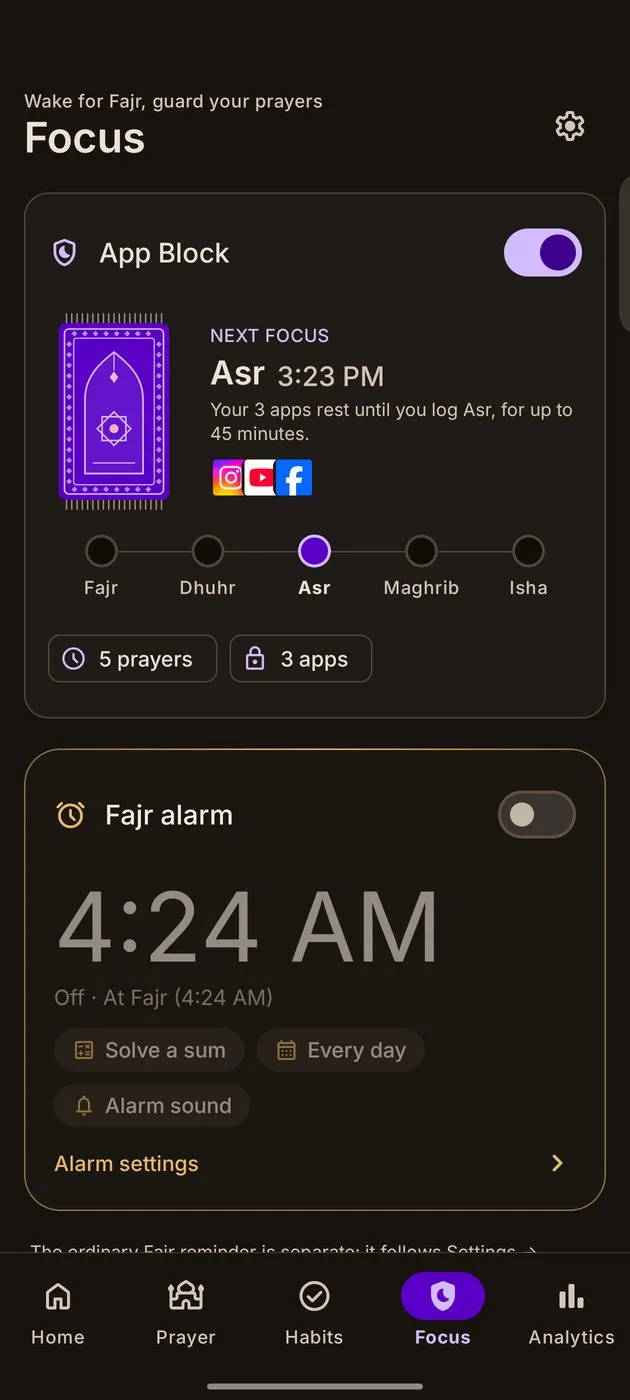
Pick the apps that pull you away. When a prayer's time begins, they rest until you've prayed.
How a prayer time goes.
From one more reel to a prayer logged, in four steps.
- 13:21 PMJust one more reel.
- 2Asr beginsThe clock reaches 3:23.
- 3A calm pauseYour reels app rests. I've prayed opens it again.
- 4Asr loggedTapping I've prayed logs it for you.
Firm, but kind.
Free, or all of it.
- Up to 3 apps
- 30 minutes from each prayer's start
- Remind me later up to 3 times, 5 minutes each
- All the apps you pick
- 30 or 60 minutes, or the whole waqt
- 5, 10 or 15 minutes each, or Strict mode
Pro starts with 7 days free on the Annual plan. Cancel any time in Google Play.
Two minutes, with a guide.
Turn it on from the Focus tab. App Block uses Android's Accessibility service. Be Mumin explains why, then shows you each tap on your own phone's maker.
- Read whyOne clear page on what the permission does, and what it doesn't.
- Follow the guideA small moving phone shows where to tap, with your maker's words.
- Turn on Be MuminIn Accessibility, under Installed or Downloaded apps.
- Pick your appsChoose the apps that should rest at prayer time.
If Android shows "Restricted setting", the guide shows how to allow it. You can open the guide again from Settings → Help.
App Block questions.
Why does it need Accessibility?
It's the only way Android lets an app see which app has just opened, so it can show the pause. Be Mumin can't read what's on your screen.
Can I still make calls?
Yes. Phone, messages, maps, Settings and your keyboard can never be blocked.
What if I really need an app now?
Use Emergency skip on the popup and hold for 2 seconds. The app opens straight away.
Does it log my prayer?
Tapping I've prayed logs it. Emergency skip logs nothing.
Is App Block free?
Yes, with up to 3 apps and 30 minutes. Pro lets you pick all your apps and the length.