 Be Mumin
Your prayers.Beautifully kept.
Prayer times, one-tap logging, a Fajr alarm and Islamic habits, in one calm app.
Wake up for Fajr. Really.
A real alarm at Fajr time, over the lock screen. To stop it, solve a short sum, so you're awake when it's quiet.
- 14:23 AM, asleepThe phone is on silent.
- 2Fajr beginsIt rings with the Fajr Adhan or your alarm sound.
- 3Solve a short sumA wrong answer just gives a new one.
- 4Good morningYou're up, with time to pray.
Pray first. Scroll later.
Pick the apps that pull you away. When a prayer's time begins, they rest until you've prayed.
- 13:21 PMJust one more reel.
- 2Asr beginsThe clock reaches 3:23.
- 3A calm pauseYour reels app rests. I've prayed opens it again.
- 4Asr loggedTapping I've prayed logs it for you.
Log each prayer in one tap. Honestly.
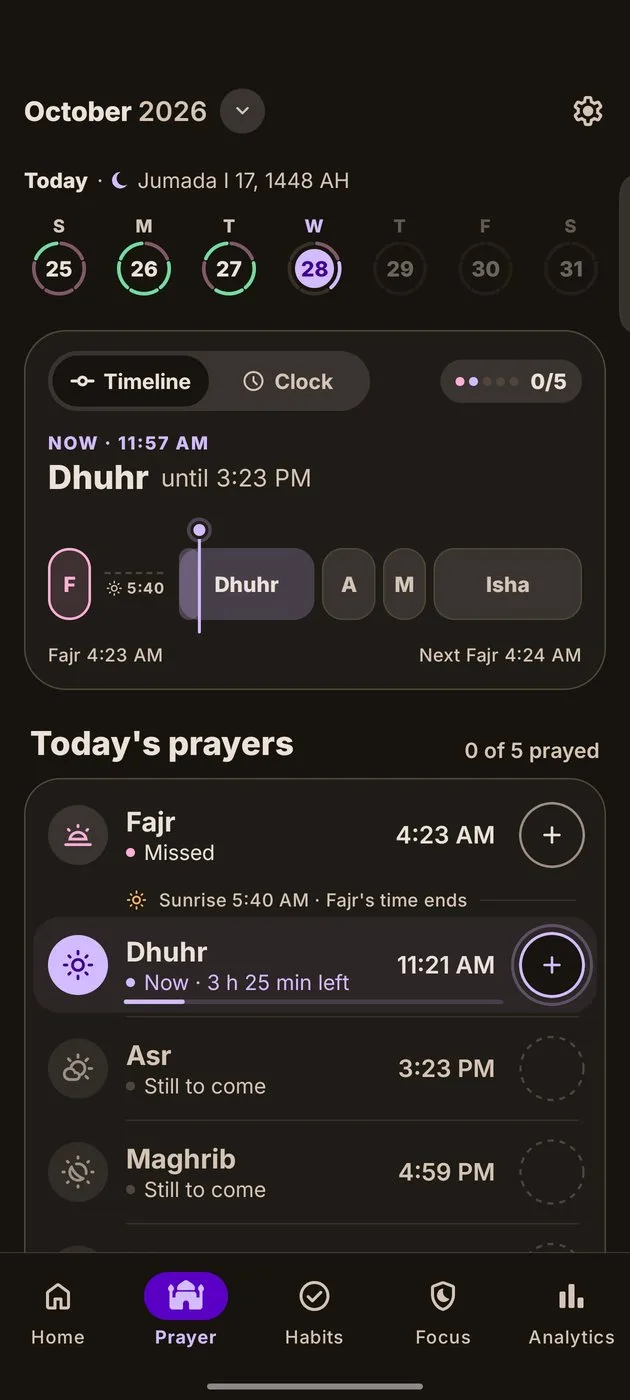
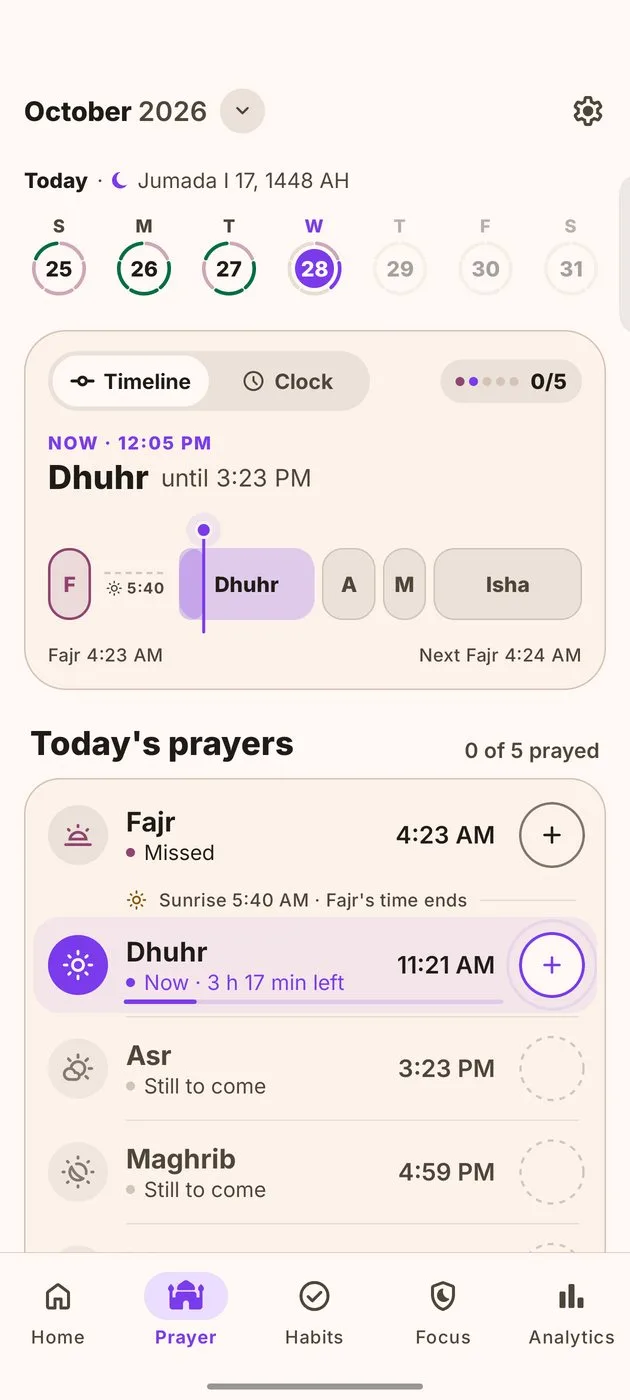
Today's five on a timeline. Pray after its time and Be Mumin simply asks how it went.
- On time, later or qada, counted apart
- Friday's Dhuhr becomes Jumu'ah
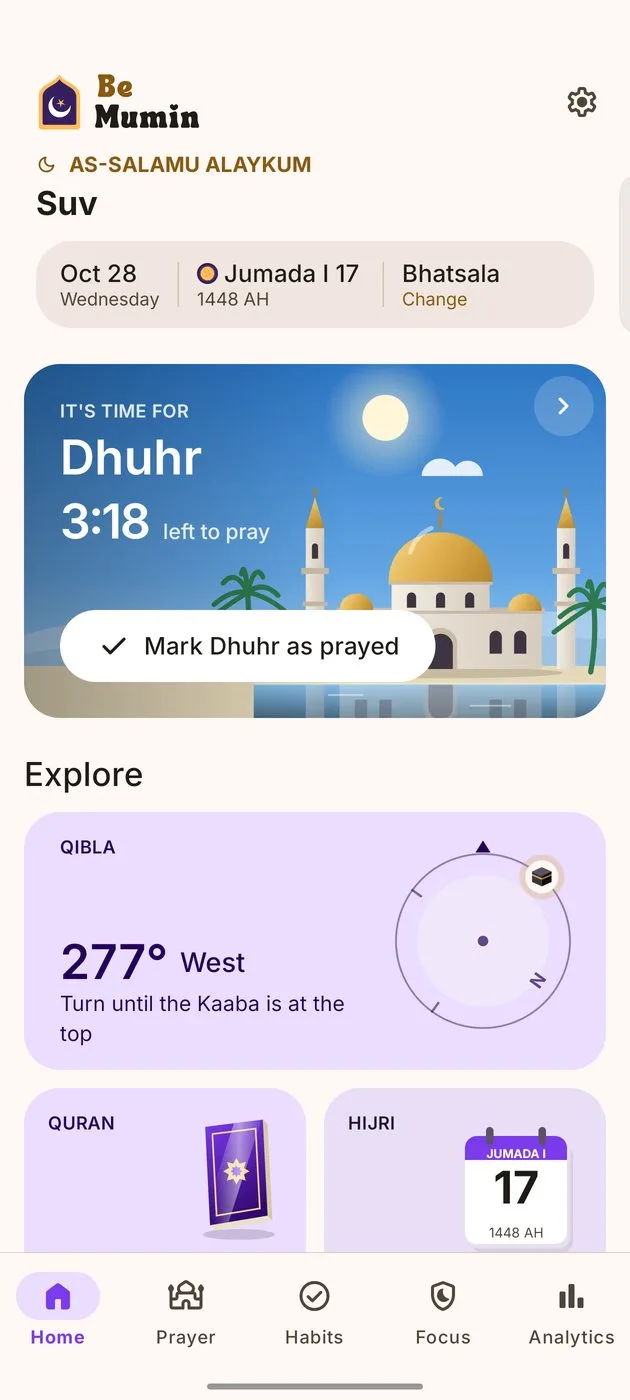
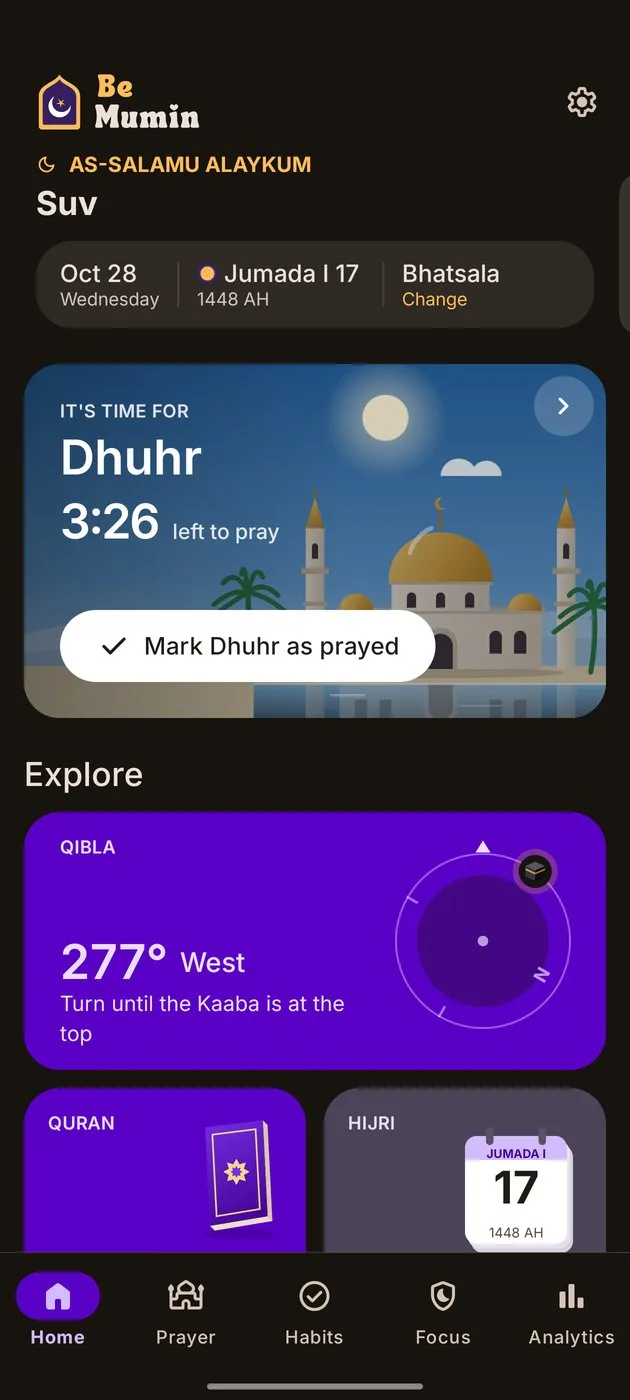
- Mark prayed straight from the reminder
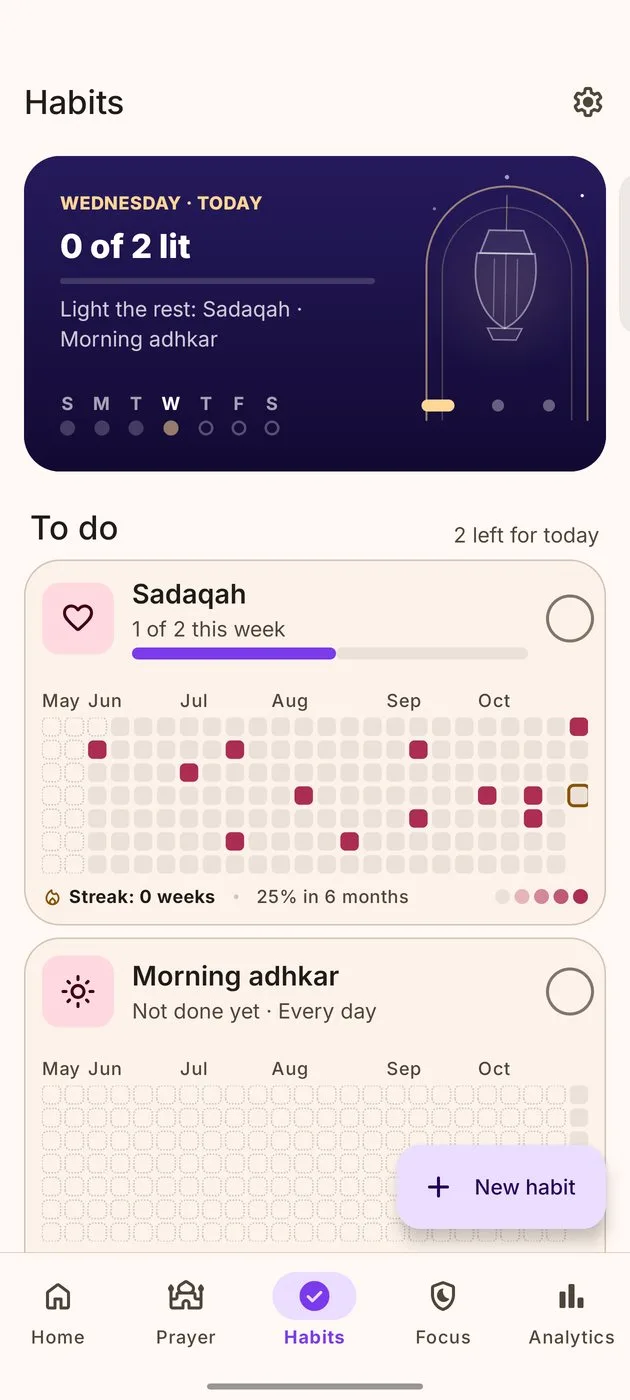
Good habits that follow your Salah.
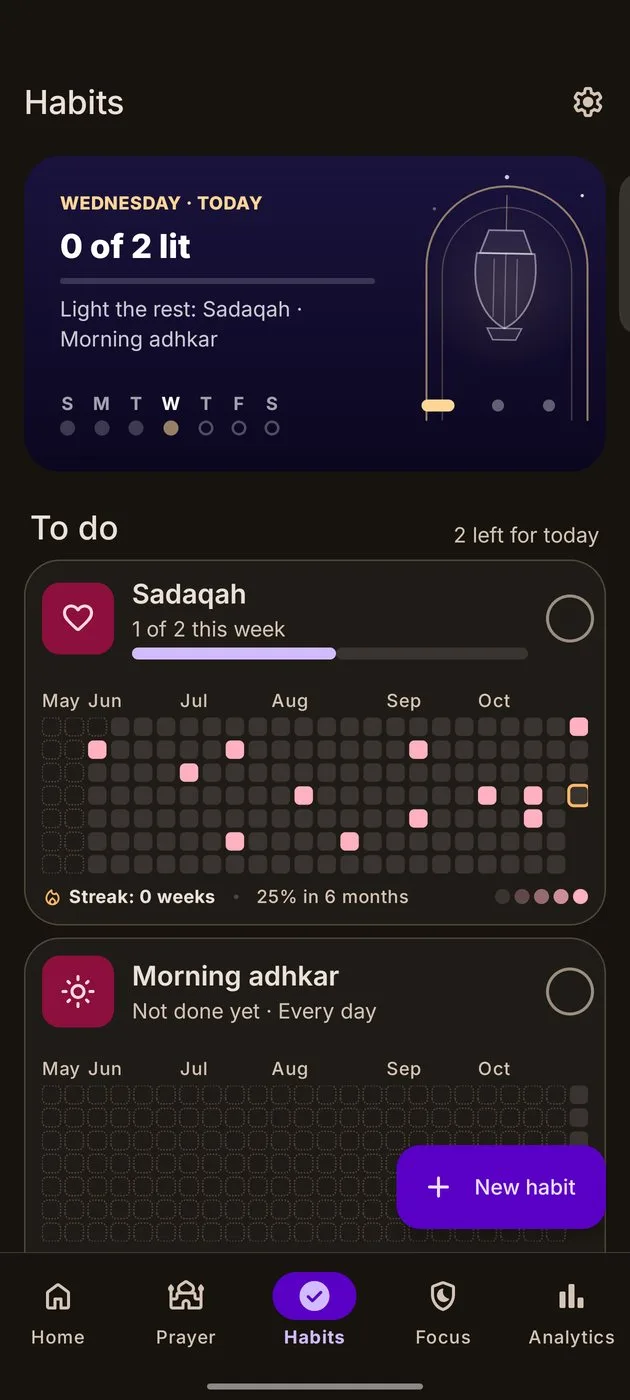
Quran, adhkar, sadaqah or your own, with a year of progress for each one.
- Unlimited habits, free
- Reminders after a prayer, like "10 minutes after Fajr"
- Tick it or count it, daily or a few times a week
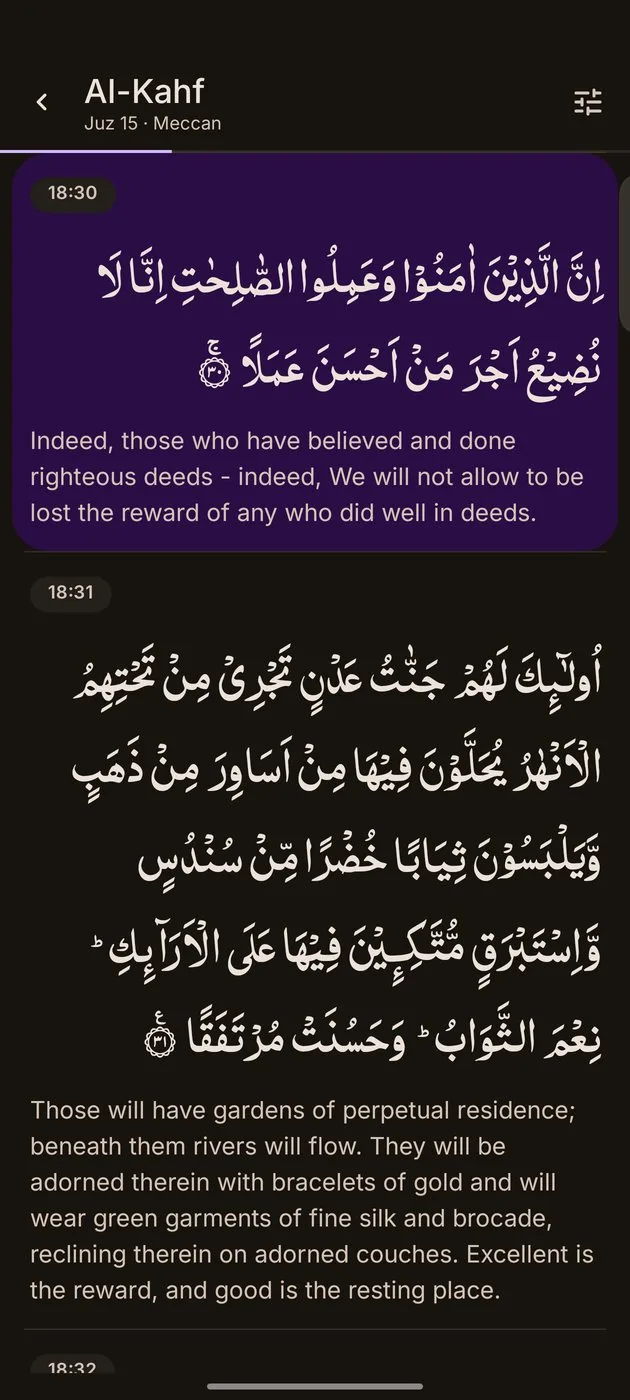
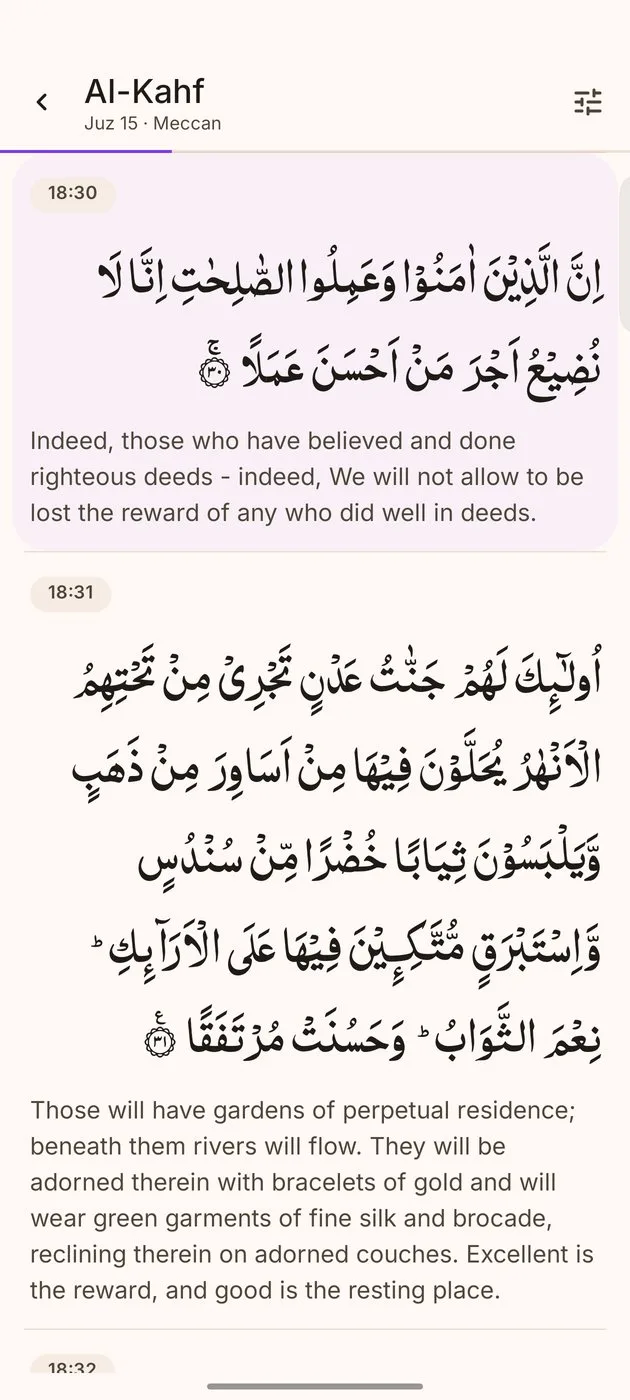
The whole Quran, even offline.
Read in Uthmani or IndoPak script with a translation in your language, and carry on where you stopped.
- By surah, juz or bookmark
- Your progress through the 30 juz
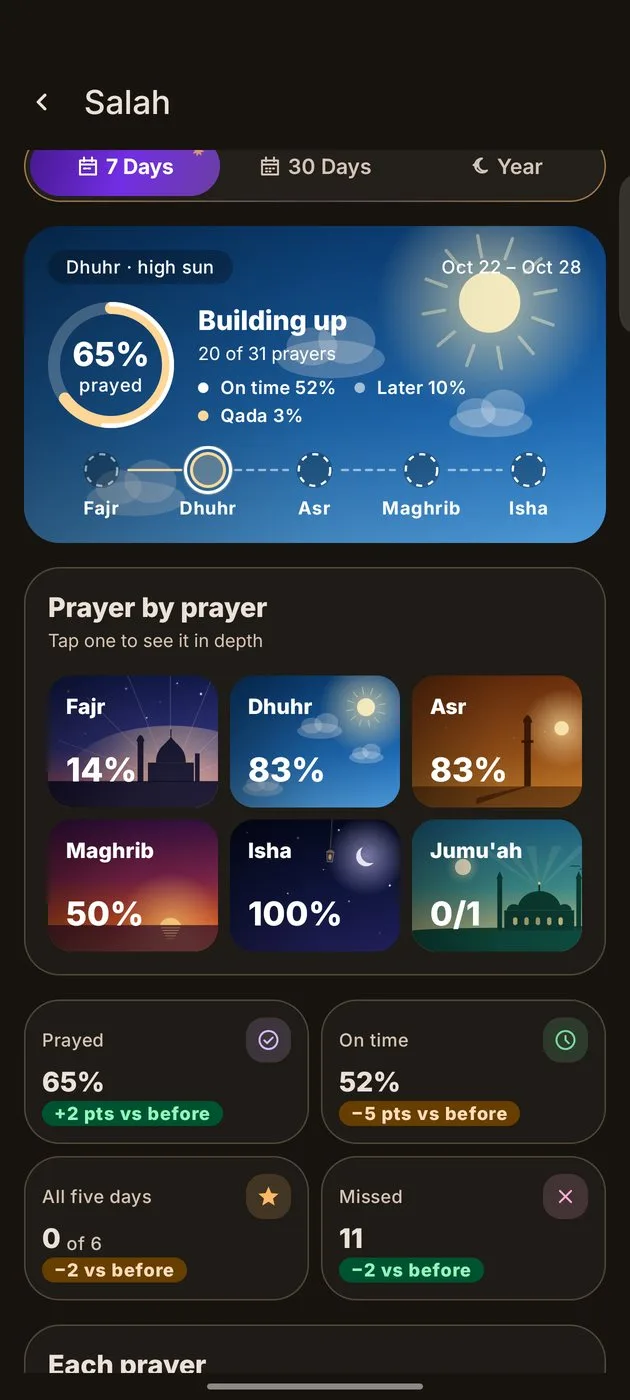
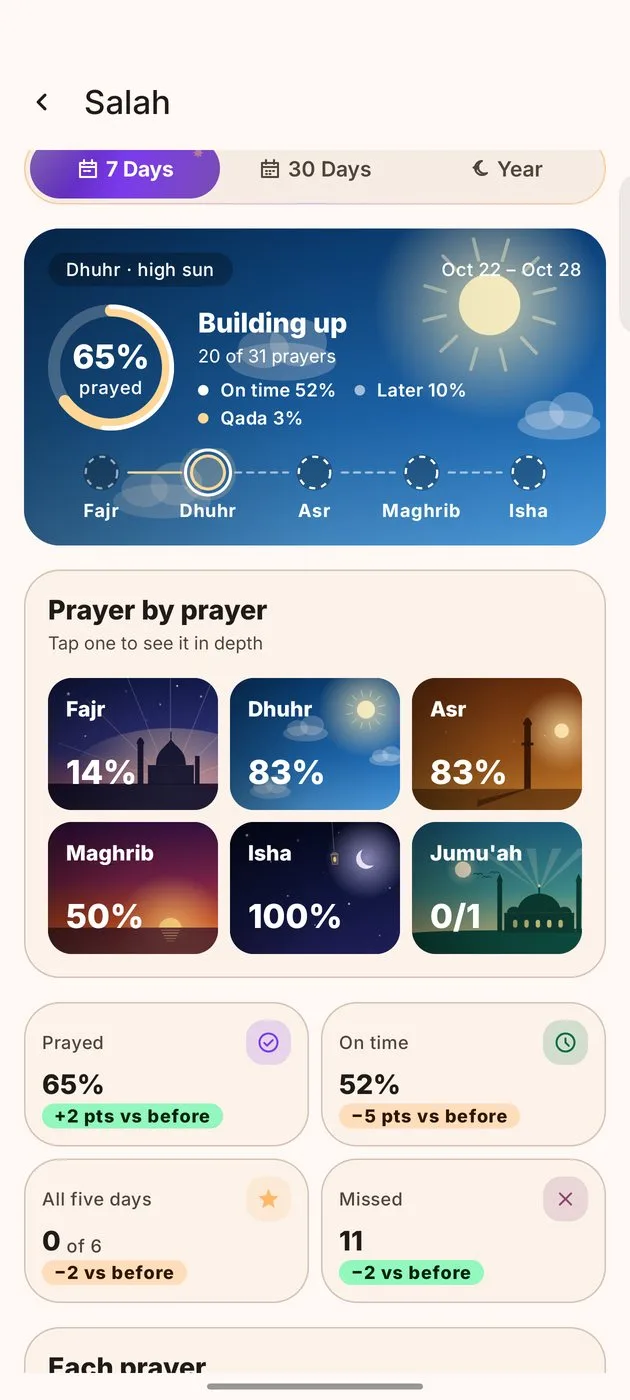
See how your Salah really goes.
A sky for each prayer, the days you prayed all five, and your whole year on one page.
- A page for every prayer and for Jumu'ah
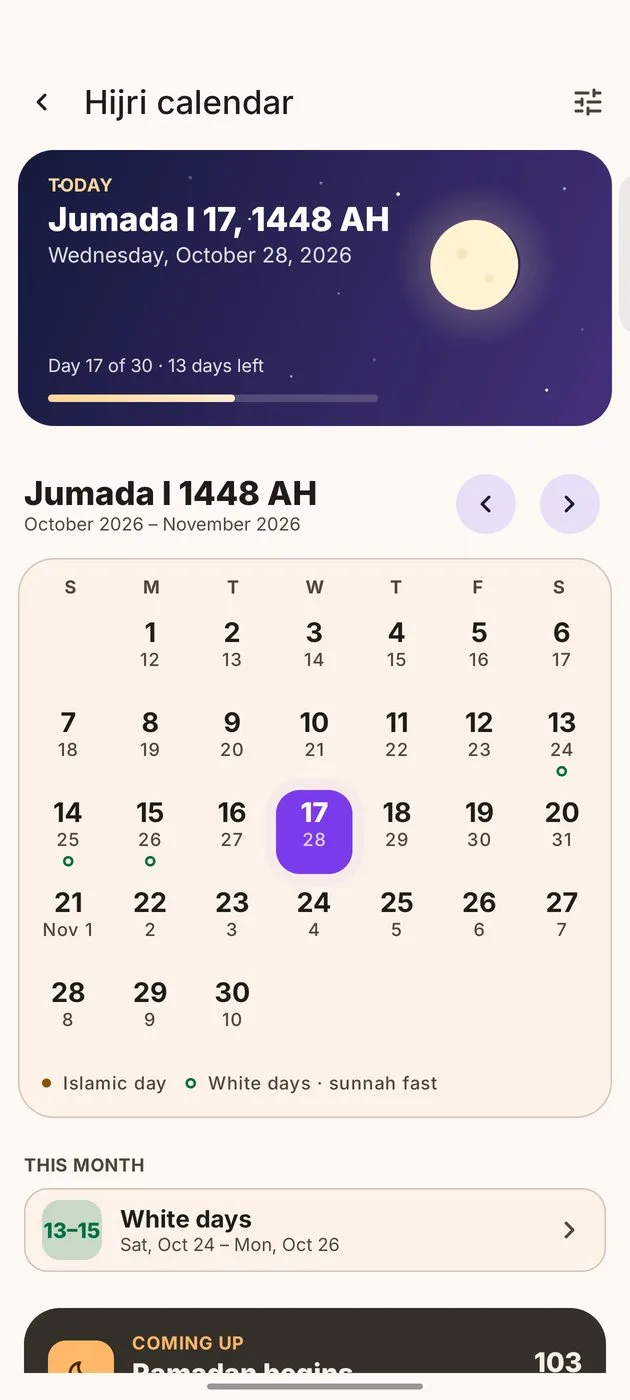
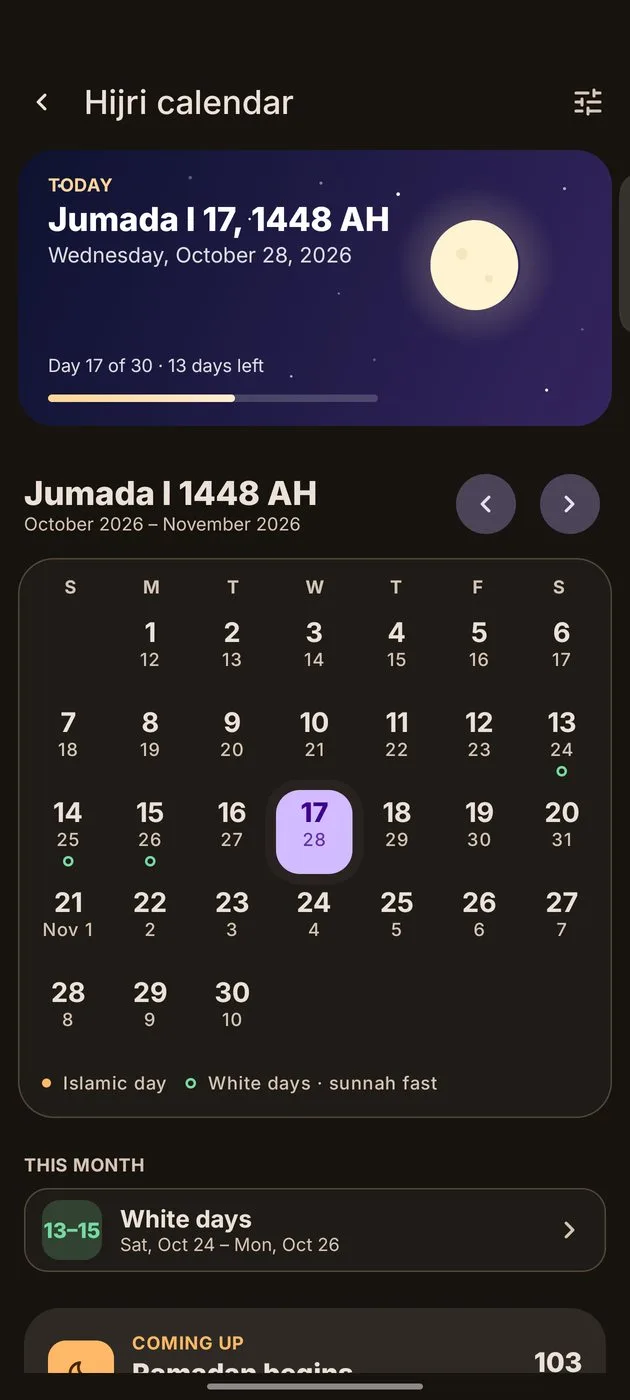
- Your Salah year, with the Hijri months
Hold it up. Turn. Found.
Look through your camera and the Kaaba appears over your own room, right where the Qibla is.
- 1Hold your phone uprightThe camera shows your room.
- 2Turn the way it pointsThe degrees count down as you turn.
- 3Facing the QiblaThe Kaaba sits in the middle, with a soft tick.
Try it. Right here.
A working Be Mumin, in your browser. Tap anything.
Your worship is yours alone.
No account to make. What you log stays on your phone, between you and Allah.
No account. Ever.
Nothing to sign up for, nothing to remember. Open the app and pray.
It stays on your phone.
Your prayers, habits and settings are stored on the device itself.
Backup to your own Drive.
One file, in your account. Restore it on a new phone in a minute.
Export or delete, any time.
Save all your data as a file, or clear it from the phone in one step.
Free for every prayer.
Tracking your Salah and habits is free, for good. Pro adds the deeper tools.
- Prayer times, logging and reminders
- Unlimited habits, with year heatmaps
- Qibla, Quran and Hijri calendar
- App Block for 3 apps
- This week's progress
- Restore from Google Drive
- Everything in Free
- Fajr alarm with the Fajr Adhan
- 30 days, the year, and each prayer's own page
- Daily backup to your Google Drive
- App Block for any apps, up to the whole waqt
- All four widgets and every theme
Prices in your currency on Google Play.
Questions.
Is Be Mumin free?
Yes. Prayer times, logging, reminders, unlimited habits, Qibla, the Quran and the Hijri calendar are free with no time limit.
Do I need to sign up?
No. There is no account. Google sign-in only appears if you turn on Drive backup. On a new phone, Restore purchases brings Pro back.
How are prayer times worked out?
On your phone, from your location and your region's calculation method. You can change the method and Asr time, and move any prayer by up to 30 minutes.
Does it work without internet?
Prayer times, logging, habits, the Quran and the Qibla compass all work offline. City search, Drive backup and purchases need a connection.
Why does App Block need Accessibility?
It's the only way Android lets an app know which app was just opened. Be Mumin uses it for that alone and never reads your screen.
Is there an iPhone app?
Not yet. Be Mumin for iPhone is coming soon. Your Google Drive backup is made so it can move with you.
How do I get help?
Email bemuminofficial@gmail.com with your phone model and Android version.